Stream Deck and Camera Controls
Stream Control Menu
The stream control page, the default page, controls
Actions
Turn on and off cameras.
Start / Stop recording.
Stream Indicator. Green if stream is UP. If
Select the number of presenters.
- In Single Presenter mode, Camera 1 is used only.
- In Multi-Presenter mode, it will alternate between both cameras automatically.
Text
Text
Text
Text
Camera Control Menu

Actions
Cameras currently off - Press to turn on cameras.
Cameras currently on - Press to turn off cameras.
Not recording cameras.
Recording cameras.
Text
Text
Text
Text
Text
Programs
-
The Moore Breakfast Show Live From Foot In The Door
Josh & Rayhan kick start Liverpool's Foot In The Door Event
-
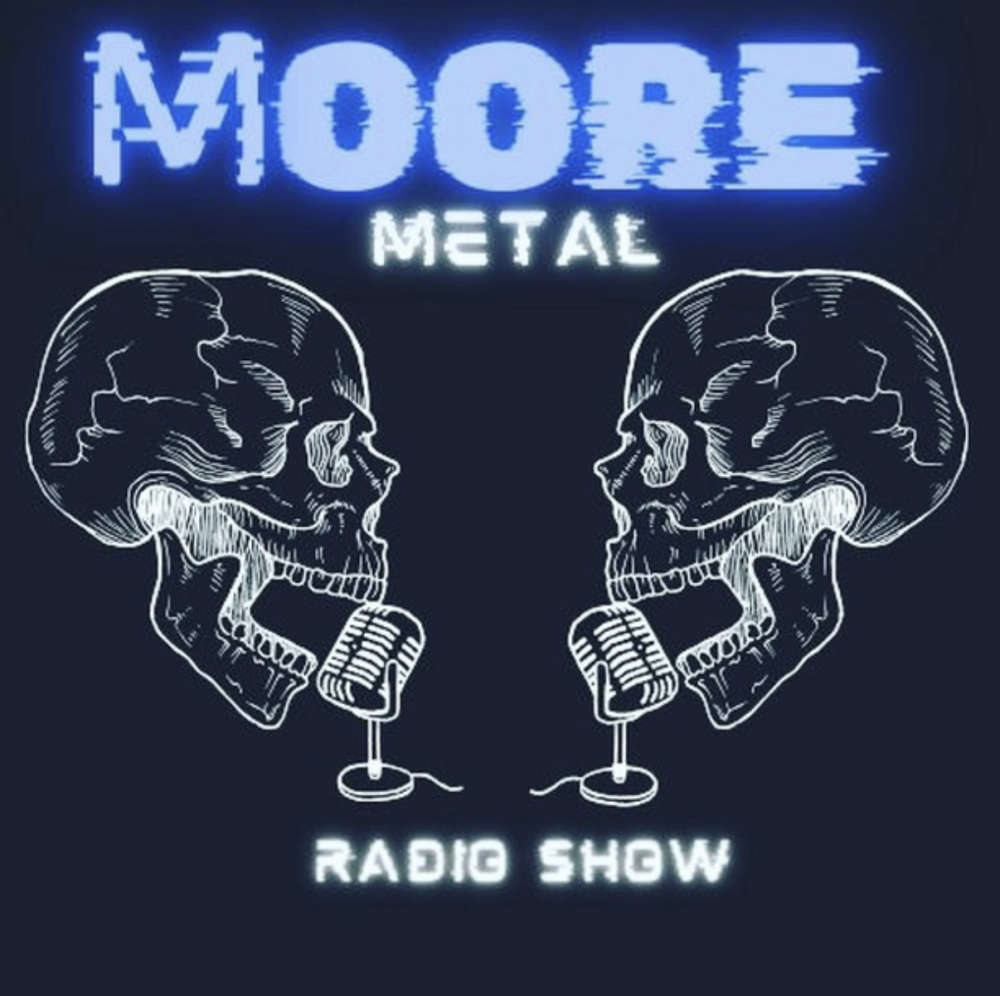
The Moore Metal Show
More Metal on Moore Student Radio
-
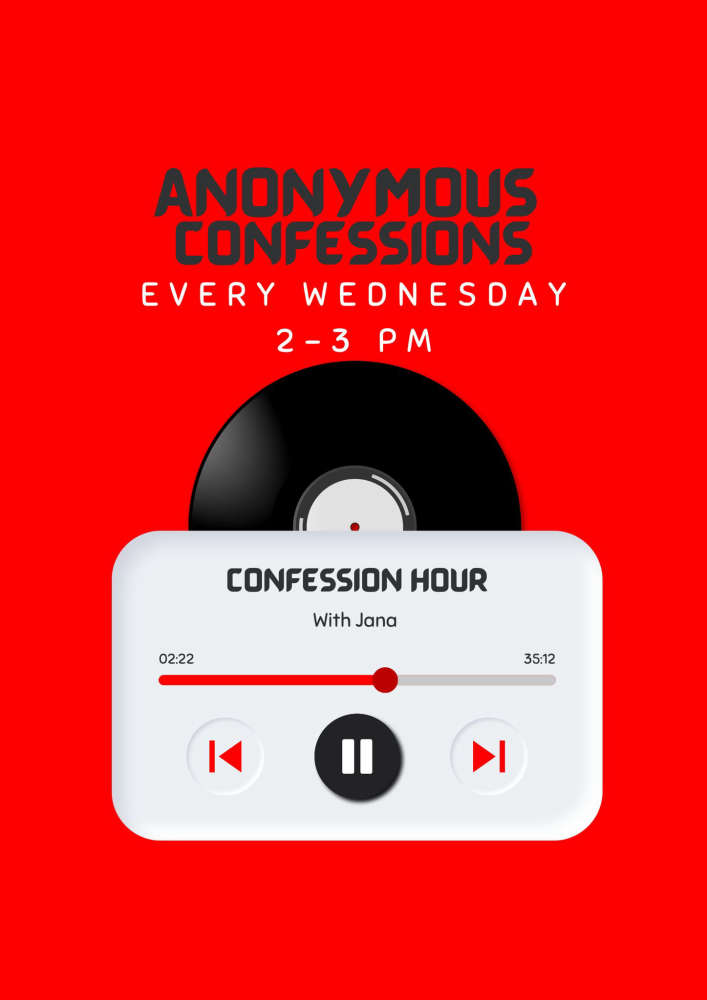
Confession Hour
The deepest darkest secrets revealed!!!
-

Artist of the Week
Join Kelsey for a new artist every week!!!!
-
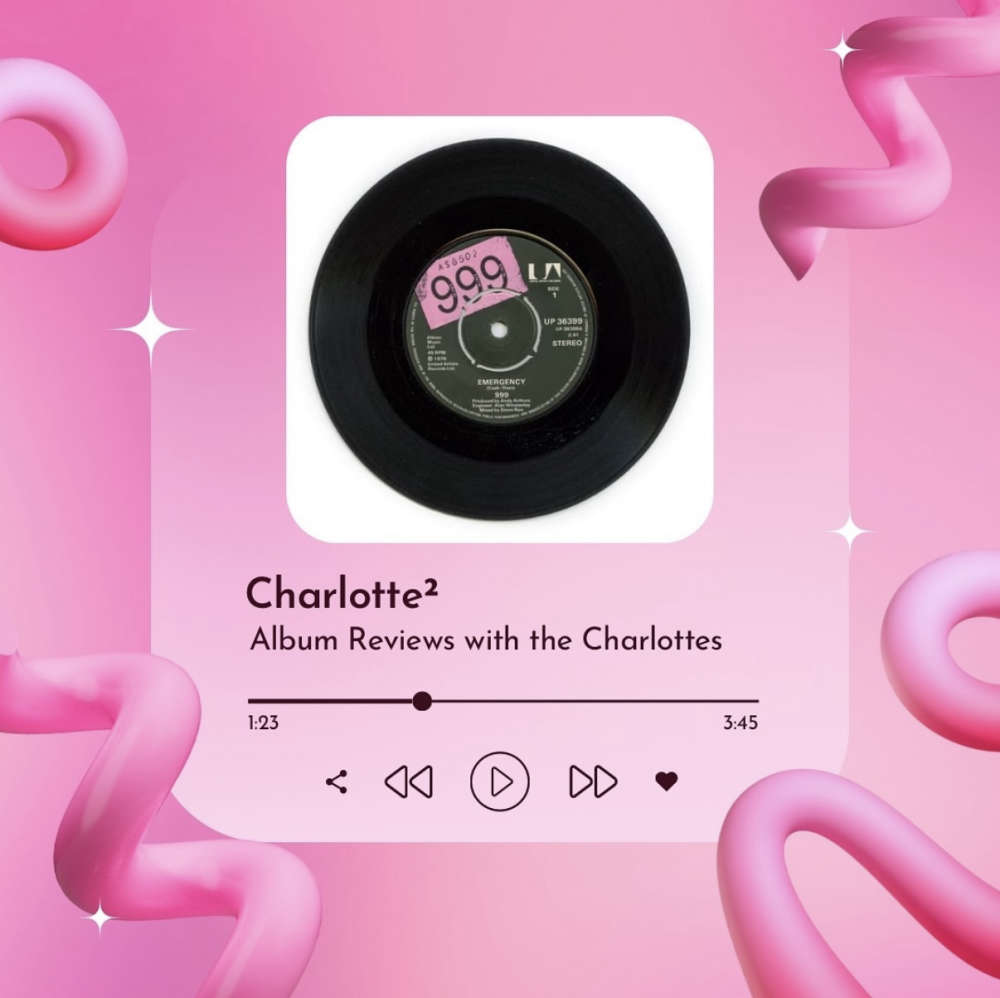
Charlotte²
Charlotte and Charlie are back with their Album reviews!!